Creating a new Datatype

Creating a new Datatype
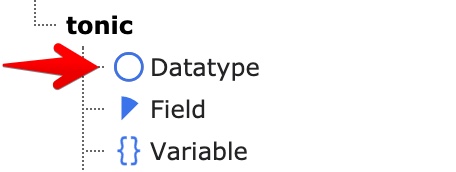
Please go to the list module, click on "Create a new record" and select "Datatype". You need to have fields for assigning them to the Datatype. If you did not create fields, you can assign them later.
Configuration
Tab "General"
Name¶A name for your Datatype (e.g. Movie, News, Job, Address or any other you want!)
Description¶A description text, that will be showed in the backend when creating/editing records.
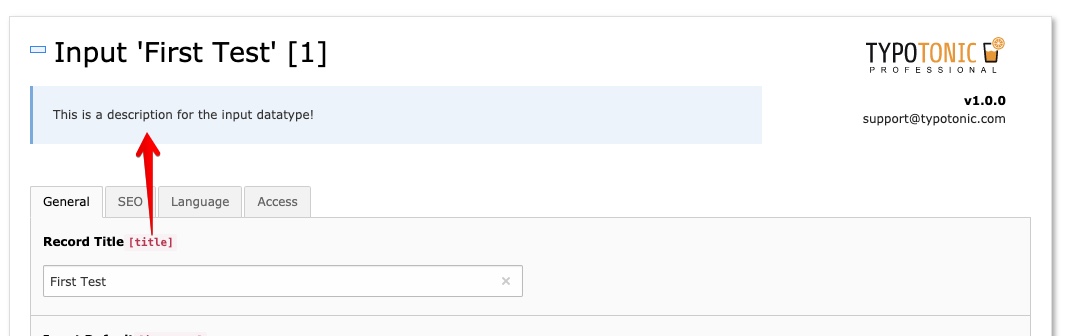
Tablename¶The tablename for the datatype is auto-generated. If the table does not exist or needs to be updated, you can click on "Update Table" to re-run the Schema Migrator.
According PHP Class¶An according Domain-Model and Repository is created within the tonic extension directory. By clicking "Generated Class" or "Update Class", you can create the according Model and Repository.
Tab "Fields"
Fields¶You can assign the fields to the datatype. The ordering of the fields is used when displaying the record form.
Tab "Tab Configuration"
Disable 'General' Tab¶When checked, the "General"-Tab is hidden and each field that is not assigned to tabs is hidden.
Create tabs and assign fields¶You can create tabs and assign fields to them. The configured palettes will also appear in the according fields section
Tab "Appearance"
Icon¶The icon of the Datatype that will be displayed in the backend. It will also be shown in the page-tree when the page's behaviour is configured with a datatype.
Color¶Lets you change the background color, when you are creating/editing a record.
Hide Records of this type in list¶If this checkbox is enabled, all records of this type will be hidden in the backend lists. This option can be used, when a Datatype can have other Datatypes as Inline-Elements. These elements are not needed to be displayed in the backend.
Hide Button to Add new Record¶Hides the button in the toolbar to create a new record of a datatype that is found on the selected page.